

Get the latest reports and insights from our team
Specialized global weather analysis and forecasting
Simplify the complexity of weather and climate, business decision-making, and risk management
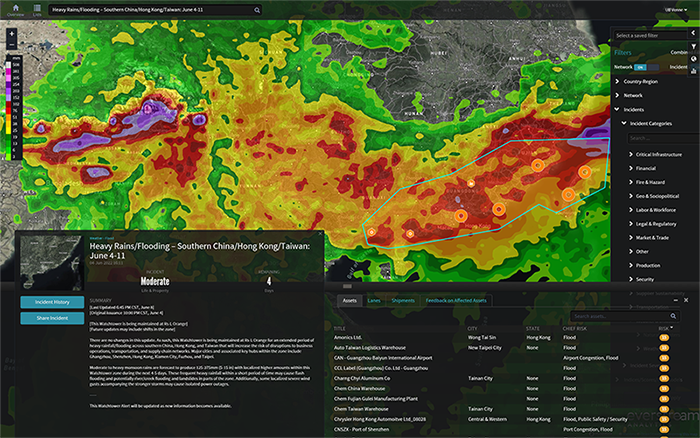

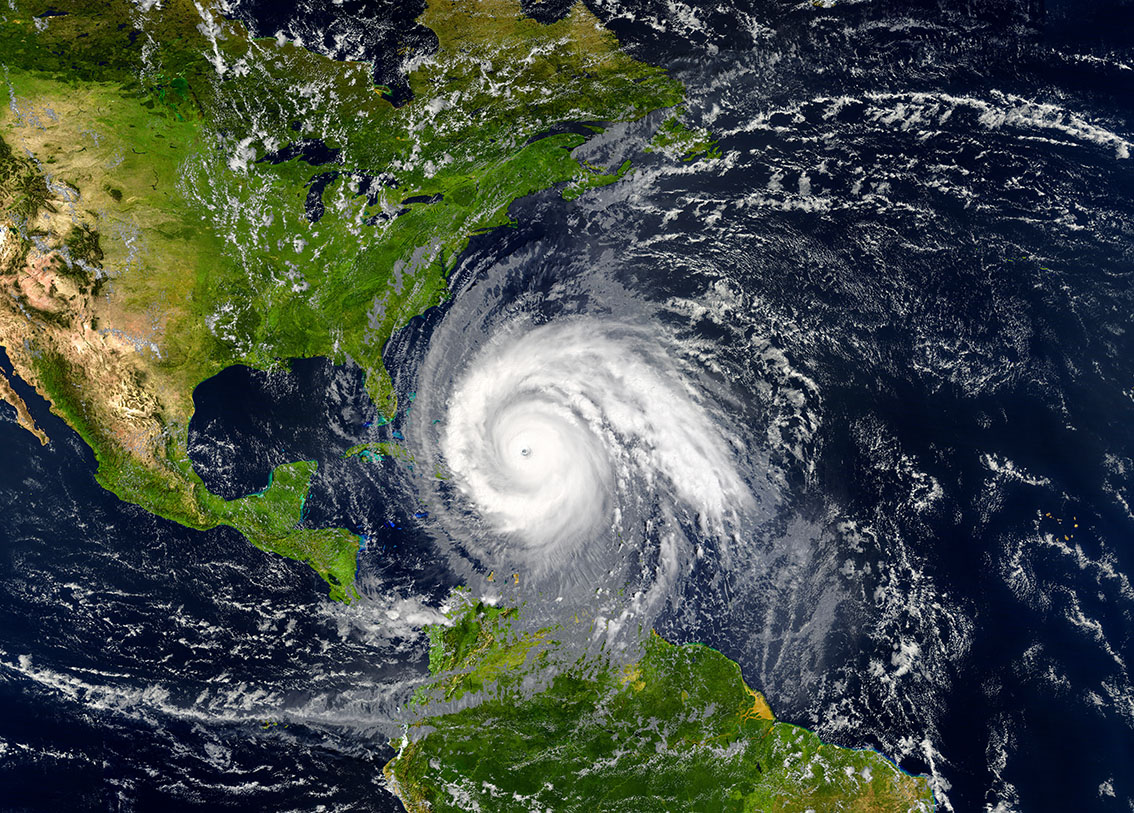

Weather and Climate Insights Power Everstream Solutions
Support business decisions that affect revenues and expenses
Our expert team has decades of experience applying global weather to supply chains to support business decisions that affect revenues and expenses. Our insights include supply chain disruptions, climate volatility challenges, corn pollination, cattle movement, water tracking, and energy demand to assess the potential impact on market fundamentals.


Applied Meteorology and Climate Expert Guidance
When you are dealing with the extreme circumstances perpetuated by weather, you need expert advice to mitigate long-term risk. Our team of senior meteorologists lead discussions tailored to your organization’s weather sensitivities and SCRM strategy, applying our knowledge to offer interpretations of complex data applied to your unique situation. Our expert meteorologists are an extension of your team to guide you in critical decisions perpetuated by weather data.

CHIEF METEOROLOGIST
Jon leads Everstream Analytics weather and climate team as Chief Meteorologist, specializing in energy, agriculture, and supply chain logistics. Based in Barcelona, Spain Jon brings over 35 years of experience and is widely considered one of the foremost experts on the impact of weather and climate on global commodities and business.
After graduating from the University of Wisconsin (Madison) with a degree in meteorology, he spent 18 years on Wall Street in the commodity divisions within Citigroup (Chief Meteorologist) and 11 at Chesapeake Energy (Chief Meteorologist).
In 2015, Jon was given the prestigious Award for the Outstanding Contribution to the Advance of Applied Meteorology by the AMS (American Meteorological Society). In 2017, Jon was awarded the Kenneth C. Spengler Award for outstanding vision to advance the role of meteorology in the new energy economy and outstanding leadership of the AMS Energy Committee and its conference.

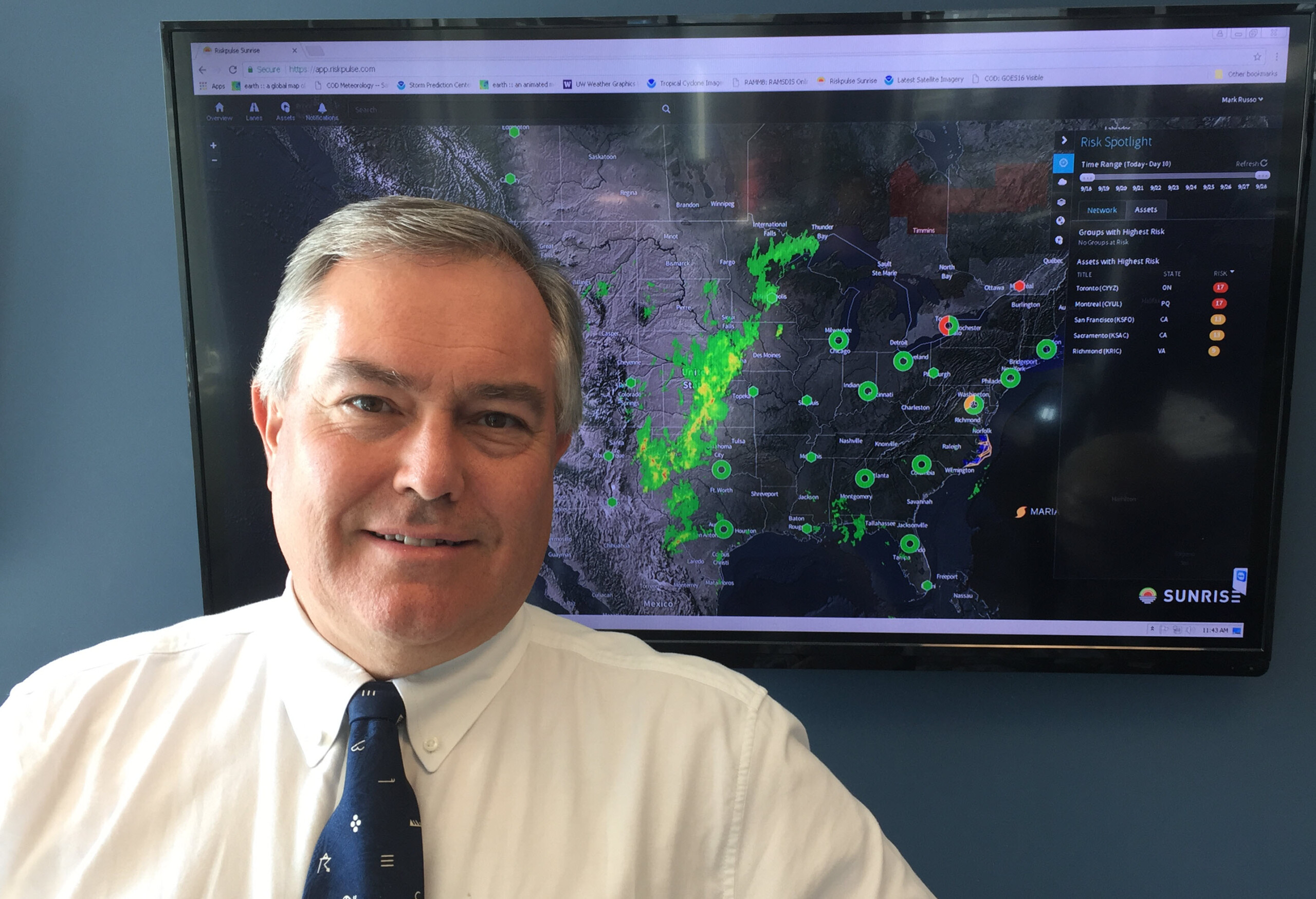
CHIEF SCIENCE OFFICER
Mark is an American Meteorological Society Certified Consulting Meteorologist and the Chief Science Officer at Everstream Analytics, delivering weather-focused predictive insights and risk analytics. Based in Chicago, he co-leads the Applied Meteorology team to ensure weather/climate data quality and accuracy and customer-focused impacts for supply chains, logistics, business operations, and commodity hedging/trading.
After graduating from Northern Illinois University with a bachelor’s degree in meteorology, Mark spent two decades applying global weather and climate insights to supply chains, agriculture, and energy. At Chesapeake Energy and Citigroup/Smith Barney, Mark provided accurate and timely weather forecasts and noted climate trends directly to high stakes commodity hedgers, traders, brokers, and analysts.
Mark is a past president of the President of the Chicago chapter of the American Meteorological Society, has appeared on CNBC, the Today Show, and CNN, and is a weekly guest on Illinois Public Radio’s Closing Market Report.
Ready to harness the power of weather and climate intelligence?
Get a demo
Read more about weather and climate risk

Climate risk management for extreme weather
May 30 2023
Climate risk management supports resilient supply chains. Learn how to leverage advanced weather modeling and predictive analytics to manage extreme weather.
Read the blog
Billion-dollar climate disasters hitting harder
January 26 2023
In 2022 there were 18 “billion-dollar disasters” in the U.S. Learn more about the top three weather/climate events with losses exceeding $1 billion, causing the biggest supply chain disruptions.
Read the blog
Predictive analytics helped us weather Hurricane Ian
October 5 2022
This is the story of the eight days before Hurricane Ian, and how predictive analytics gave one company enough lead time to weather the storm.
Read more
Don’t let drought risk disrupt your food supply chain
April 7 2022
Climate change means increased drought risk to your global operations. Here’s what to monitor so your supply chain doesn’t dry up.
Read blog
Winter is coming: Why risk management matters most before impact
July 12 2023
The upcoming winter season poses risk-management challenges for energy sourcing that require proactive strategies based on clear insights and artificial intelligence (AI).
Read the blog
Five risk scores for your 2023 supply chain risk management plan
January 11 2023
Start your 2023 supply chain risk management plan with the insights from our Annual Risk Report. See the five biggest risks for the coming year, and how likely your industry is to be affected.
Get the report